1. Home
  2. Secure stand
Anti-theft

The secure tablet stand for a tablet left on its own

A tablet that answers customers is often left alone: behind the window in the evening, on the counter when the team is busy, in an open lobby. A secure tablet stand keeps it where it belongs. With Kiosky, it comes with an AI agent that turns that tablet into a point of contact.

In practice
Tourist office, at night · 21:15

Where can I park a camper van tonight near the old town?

KioskyThere is a camper van area at the marina car park, signposted from the ring road. Leave your email and the office will send you the map tomorrow.

NotificationEnglish question: camper van parking, map to send by email

What it changesThe tablet spends the night in its enclosure, and the office still answers visitors who arrive after closing.
01

What an anti-theft tablet stand has to prevent

First, grab-and-run theft: someone walks past, takes the tablet and leaves. That is the main risk in a place open to the public. Then there is opening: a tablet held by two clips comes off in seconds. Finally there is tampering: a visitor pressing the home button or pulling out the cable.

A good secure stand deals with all three. The tablet is enclosed, the buttons are covered, the cable runs inside, and only the person with the key can open it.

There is also the quiet risk: the tablet that disappears on a closing night because it was sitting on a shelf within a visitor's reach. Without an enclosure, it fits in a bag and nobody notices until the next day.
02

The types of lockable iPad stand

Ludovic Lévêque, who created Kiosky, has been selling this anti-theft hardware for years to shops, estate agents and company receptions. The same families come up every time.

  • The locked enclosure: the tablet sits in a case that only opens with the key, the basic requirement in a public place
  • The security cable: it ties the stand to a piece of furniture or a fixed point
  • Screw fixing: on a wall or a counter, the stand cannot be lifted off
  • The weighted base: it cannot be carried away under one arm
  • The simple holding arm: it holds the tablet but does not protect it
03

The secure stands in the Kiosky packs

The MacLocks stands in the packs hold the tablet in an enclosure that cannot be opened without the key. The choice depends on the spot.

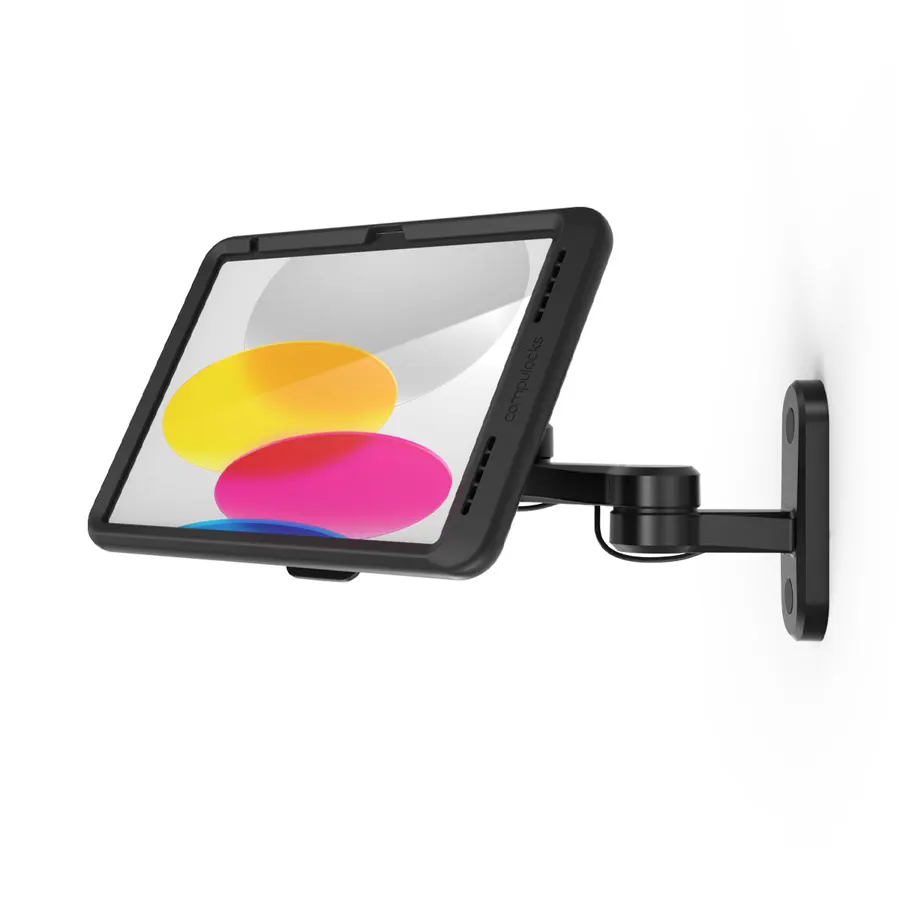
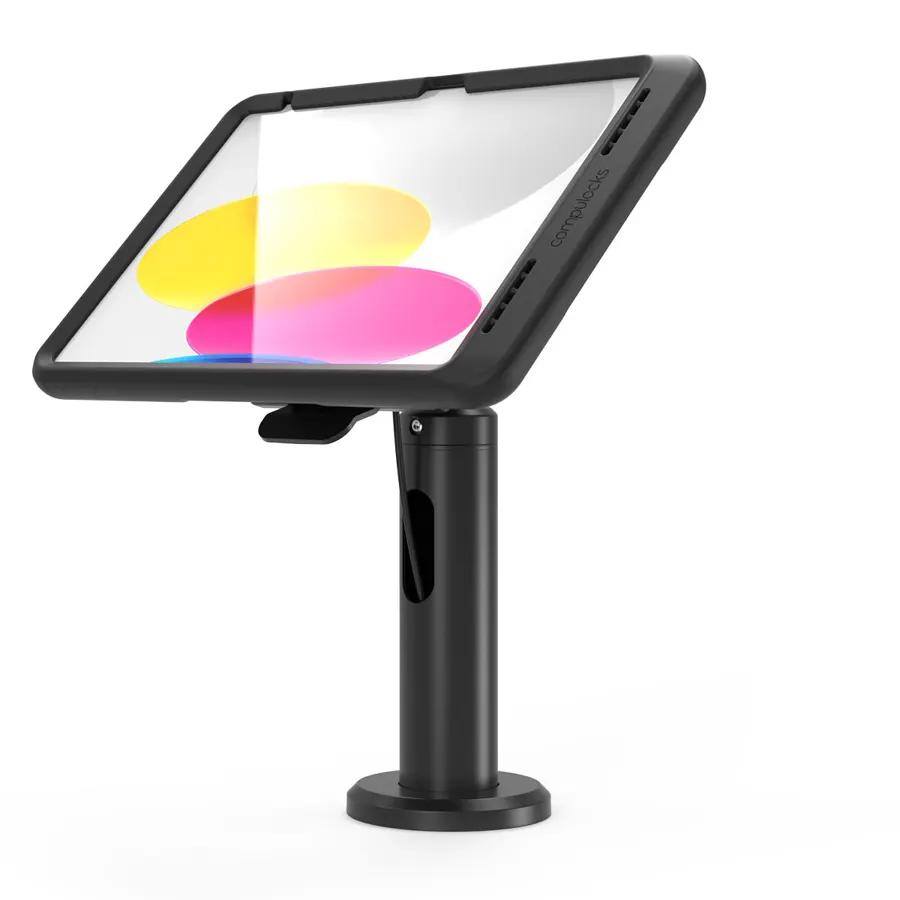
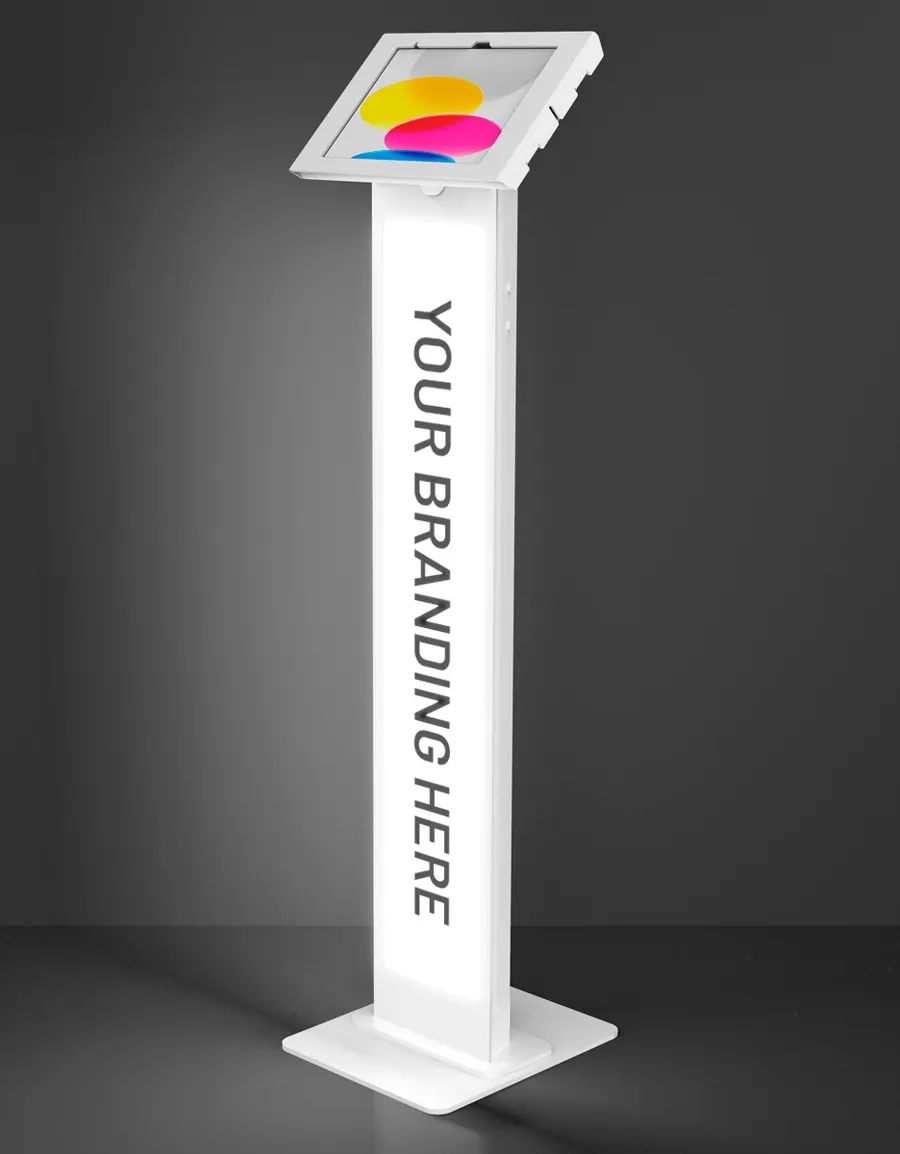
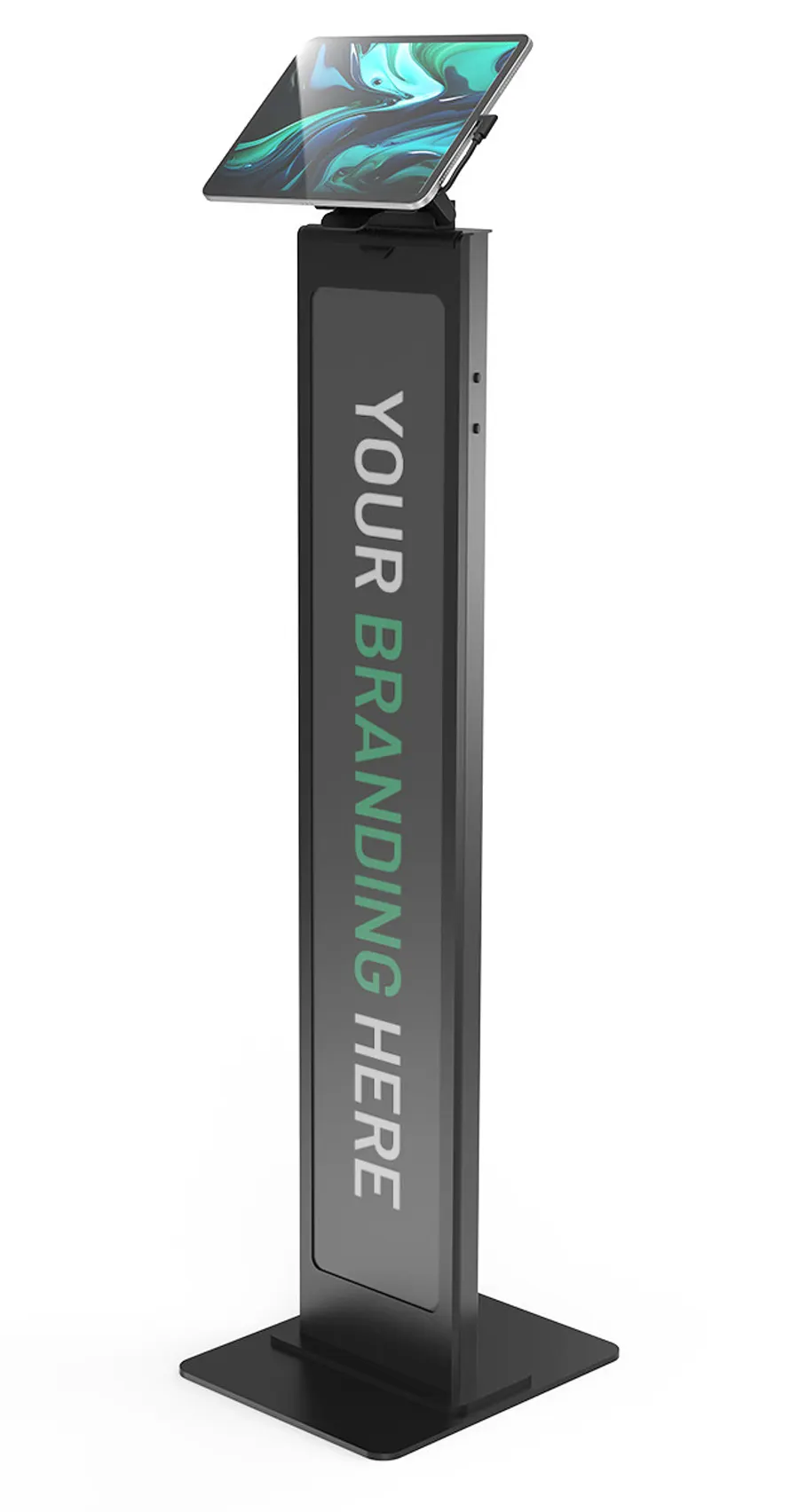
Behind the window, the backlit MacLocks BrandMe keeps the tablet in an anti-theft case and carries your brand, visible from the street at night: €1,590 excl. VAT in the first year. At the entrance, the MacLocks PowerMove BrandMe has a removable tablet that charges in place: €1,650 excl. VAT. On the counter, the MacLocks Rise charges wirelessly and has a removable head: €1,490 excl. VAT. On the wall, the MacLocks Swing articulated arm: €1,490 excl. VAT. Each price includes the first-year licence.

04

The Arkon arm: handy, but not an anti-theft stand

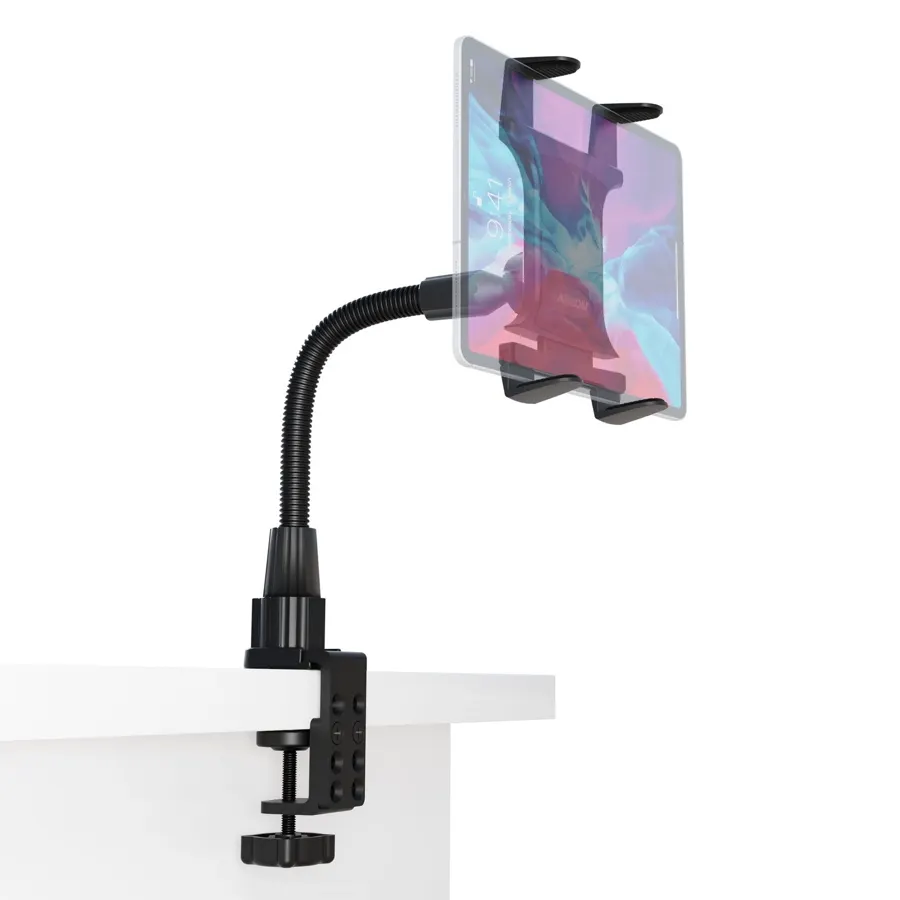
The cheapest pack includes a flexible Arkon clamp arm, free with the licence, at €1,190 excl. VAT. It clamps onto a shelf and puts the tablet wherever you want.

To be clear: it is a holding arm, not a locked case. Keep it for a closed-back window or a spot you can keep an eye on. If the tablet is within the public's reach when nobody is around, take a MacLocks stand.

05

What Kiosky adds to the protected tablet

A protected tablet is good. A protected tablet that answers is better. The tablet shows your QR code. The customer scans it and asks their question on their own phone, out loud or in writing, in their own language, with no app and no account. Nobody needs to touch the tablet, which also limits wear and tampering.

The assistant answers using your information only. What it does not know, it passes on to you. If the customer wants a viewing, an appointment or a quote, they leave their name and contact details, and you receive the requests every morning.

06

The limits to know about

No anti-theft device stops someone very determined with tools. A locked stand discourages opportunist theft, the passer-by who sees an unattended tablet. For a window, the glass remains your first protection.

The tablet is not supplied: check with us that it fits the enclosure you choose. The stand is also available on its own, as Ludovic has been selling it elsewhere for years; on Kiosky it is sold as a pack with the licence, and after that only the licence renews, €1,190 excl. VAT a year.

The packs

The licence first. The stand, if you want one.

Pack = first-year licence + delivered stand, cheaper than buying them separately. After that, only the licence renews: €1,190 excl. VAT. The stand stays yours. Tablet not included.

MacLocks BrandMe : The illuminated window kiosk
MacLocks · BrandMe

The illuminated window kiosk

The backlit panel carries your brand and is visible from the street, even at night. Tablet in an anti-theft enclosure.

€1,590excl. VAT, first year Choose this pack
MacLocks PowerMove : The welcome kiosk
MacLocks · PowerMove

The welcome kiosk

Removable tablet, charged on the stand. Panel in your colours.

€1,650excl. VAT, first year Choose this pack
MacLocks Rise : The counter
MacLocks · Rise

The counter

On the front desk, with wireless charging and a removable head.

€1,490excl. VAT, first year Choose this pack
MacLocks Swing : The wall mount
MacLocks · Swing

The wall mount

Articulated arm fixed to the wall, right next to the window.

€1,490excl. VAT, first year Choose this pack
Arkon : The flexible arm
Arkon

The flexible arm

Clamps onto a shelf or window display unit. The simplest option.

€1,190excl. VAT, first year, arm included free Choose this pack
FAQ

What people ask us

Who keeps the key to the secure stand?

You do. The key opens the enclosure to put the tablet in or take it out. Keep a spare somewhere safe, away from the shop.

Does the customer have to touch the tablet?

No. They scan the QR code on display and ask their question out loud or in writing on their own phone. The tablet stays locked in its enclosure.

Does the secure stand take any tablet?

No, a closed enclosure is made for one specific size. Give us your tablet model before ordering and we will check compatibility.

Can I charge the tablet without opening the enclosure?

Yes, the cable stays plugged into the stand. On the PowerMove the tablet charges when you put it back; on the Rise, charging is wireless.

Shall we talk?

Leave a message: Ludovic answers personally within one business day.