1. Home
  2. Interactive kiosk
How it works

An interactive kiosk where the screen is in your pocket

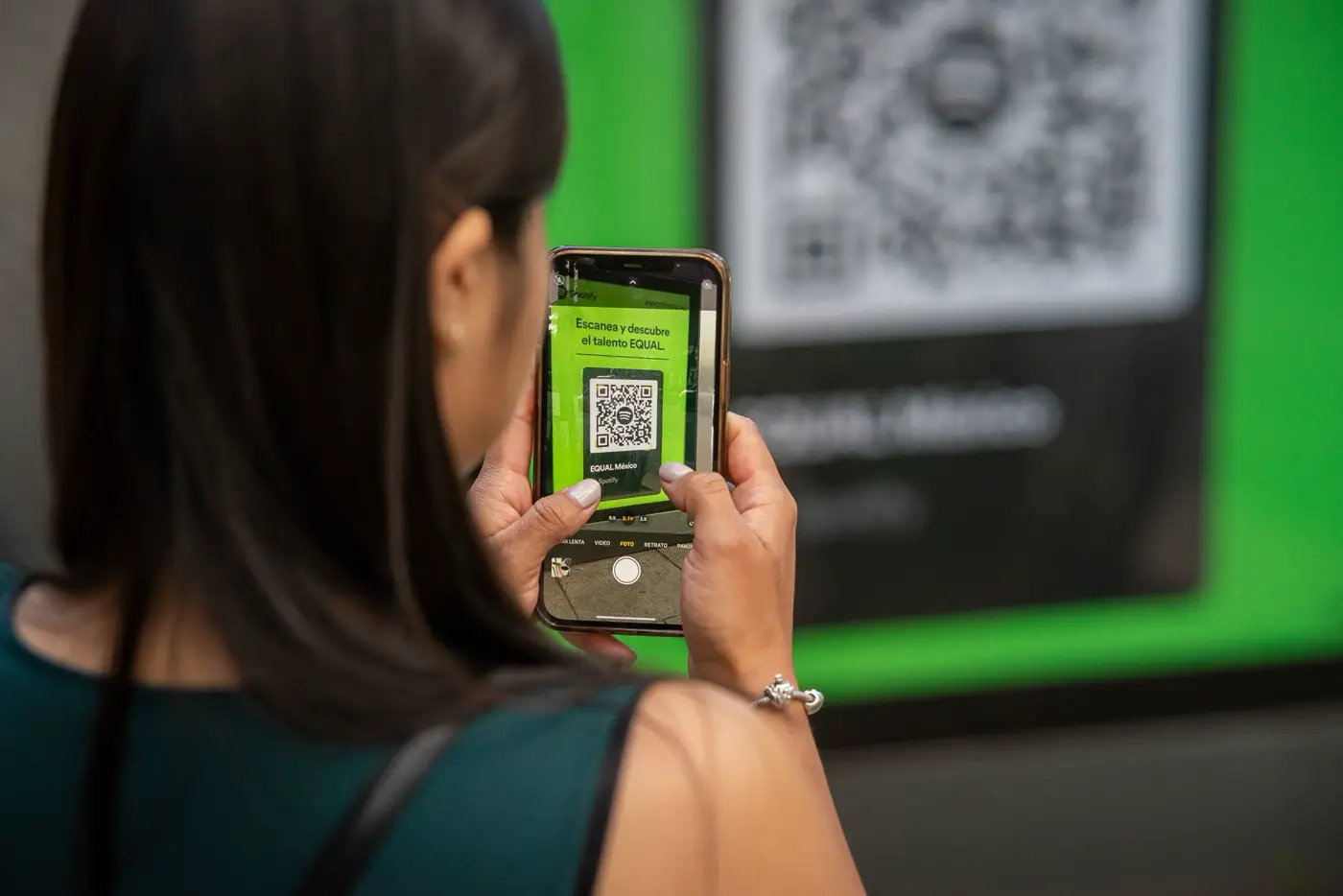
People picture an interactive kiosk as a big touch screen on a stand. Kiosky starts from a different idea: the best screen is the one the visitor is already holding. The kiosk shows a QR code, and the whole conversation, spoken or written, happens on their phone.

In practice
Kiosk at a garden centre entrance · 18:40

Do you deliver the big terracotta pots to your home?

KioskyYes, the garden centre delivers around the shop, and the price depends on distance. Leave your address and phone number and the team will send you a quote.

NotificationDelivery quote: terracotta pots, customer to call back

What it changesA question asked while the team is busy is not lost: it comes back with a contact.
01

What people expect from an interactive kiosk

A kiosk is a fixed point where someone comes to get information without waiting for a member of staff. A self-service kiosk in a lobby, a column at a shop entrance, a tablet on a counter. The visitor has a question, the kiosk answers it.

So what matters is not the object but the quality of the answer. A kiosk that shows a menu of six buttons only answers the six questions someone thought of. People ask the seventh.

02

The limits of a touch screen kiosk

A touch screen kiosk serves one person at a time. If someone is using it, the next person waits behind them and reads over their shoulder. It is set to one language, with a fixed text size. It has to be cleaned, protected, and replaced when the screen gets scratched.

Behind a window, it is useless: you cannot touch through glass. Yet that is where most people pass by, in front of a closed shop.

03

Why the visitor's phone replaces the touch screen

With Kiosky, the kiosk shows a QR code. The visitor scans it with their phone camera, with no app and no account, and speaks to the assistant or types to it, as they would with a person. They can put it in their own words, and the assistant understands and answers aloud or in writing.

  • Several people ask their questions at the same time, each on their own phone
  • Everyone reads in their own language: English, French, Spanish, German, Italian, Portuguese
  • Text shows at the size set on their own phone
  • Nobody reads the conversation over their shoulder
  • The QR code works behind glass, on a poster or on a screen
04

What the kiosk knows, and where the answer comes from

The assistant answers only with the information you provide: your listings, your models, your instructions. One QR code per page, which means the visitor who scans the code next to a product reaches an assistant that knows that product.

If it does not know, it does not make it up: the question is passed on to you. If the visitor wants an appointment, a viewing or a quote, they leave their name and phone number or email, and you receive these requests each morning. What to load depends on your trade, and each industry page sets it out. An estate agent will add their listings, a hotel its guest information, a shop its product pages.

05

What to put the QR code on

No hardware is required, a poster is enough. If you want a proper, visible point of contact, the first-year packs include the licence and the stand, which you keep. The tablet is not supplied.

The MacLocks BrandMe backlit window kiosk, for a shop window, comes to €1,590 excl. VAT. The MacLocks PowerMove BrandMe kiosk, whose removable tablet charges on the stand, costs €1,650 excl. VAT. For a counter, the MacLocks Rise stand is €1,490 excl. VAT. The Arkon flexible clamp arm, which fixes to a shelf, comes to €1,190 excl. VAT, with the arm free. For use at the entrance or on the desk when staff are busy, the reception kiosk page goes into detail.

06

What Kiosky does not do

Kiosky does not supply a touch screen and does not sell kiosks with touch menus. A visitor with no smartphone can talk straight to the tablet, if it is within earshot. If part of your audience is in that position, keep a poster with your phone number and opening hours next to the QR code.

The assistant takes no payments and makes no automatic bookings. It answers, it collects requests, it passes them on to you.

Finally, a kiosk with poor information will give poor answers, however good the object holding it. The useful work is in the pages.

FAQ

What people ask us

What is the difference between an interactive kiosk and a touch screen kiosk?

A touch screen kiosk is operated by touching its screen. An interactive kiosk more broadly means any point where a visitor interacts with a system. Kiosky is interactive without being touch-based: the exchange happens on the visitor's phone.

How much does a Kiosky interactive kiosk cost?

The licence costs €1,190 excl. VAT a year per kiosk, i.e. €99 a month. With a MacLocks or Arkon stand, the first year ranges from €1,190 to €1,650 excl. VAT. After that, only the licence renews.

Does the kiosk need an internet connection?

The conversation happens on the visitor's phone, over their own connection. On a poster, the printed QR code is all you need.

Can we use a tablet we already have?

Yes. Kiosky works on the screen you already have or on a simple poster, and the packs do not include a tablet.

Shall we talk?

Leave a message: Ludovic answers personally within one business day.