1. Home
  2. Window display screen
Seen from the street

Your window display screen shows it all, it can answer too

The screen behind your glass cycles through your listings, your models, your offers. The passer-by watches, then has a question the screen cannot hear. Kiosky adds a QR code to what you already show: the question is asked on the phone, out loud or in writing, the answer comes from your pages.

In practice
Travel agency screen · 22:05

The holiday in Crete on the screen, are there places left in June?

KioskyThere are departures in June, but I do not have the remaining places. Leave your email and the agency will reply tomorrow with availability.

NotificationQuestion passed on: places in June for the Crete holiday, reply by email

What it changesThe screen that only used to show things now brings in enquiries, even after closing time.
01

What a passer-by does in front of a shop window screen

They stop because the image moves. They watch two or three slides, wait for the one they care about to come back round, then walk on. The screen held their attention for a minute without letting them do anything with it.

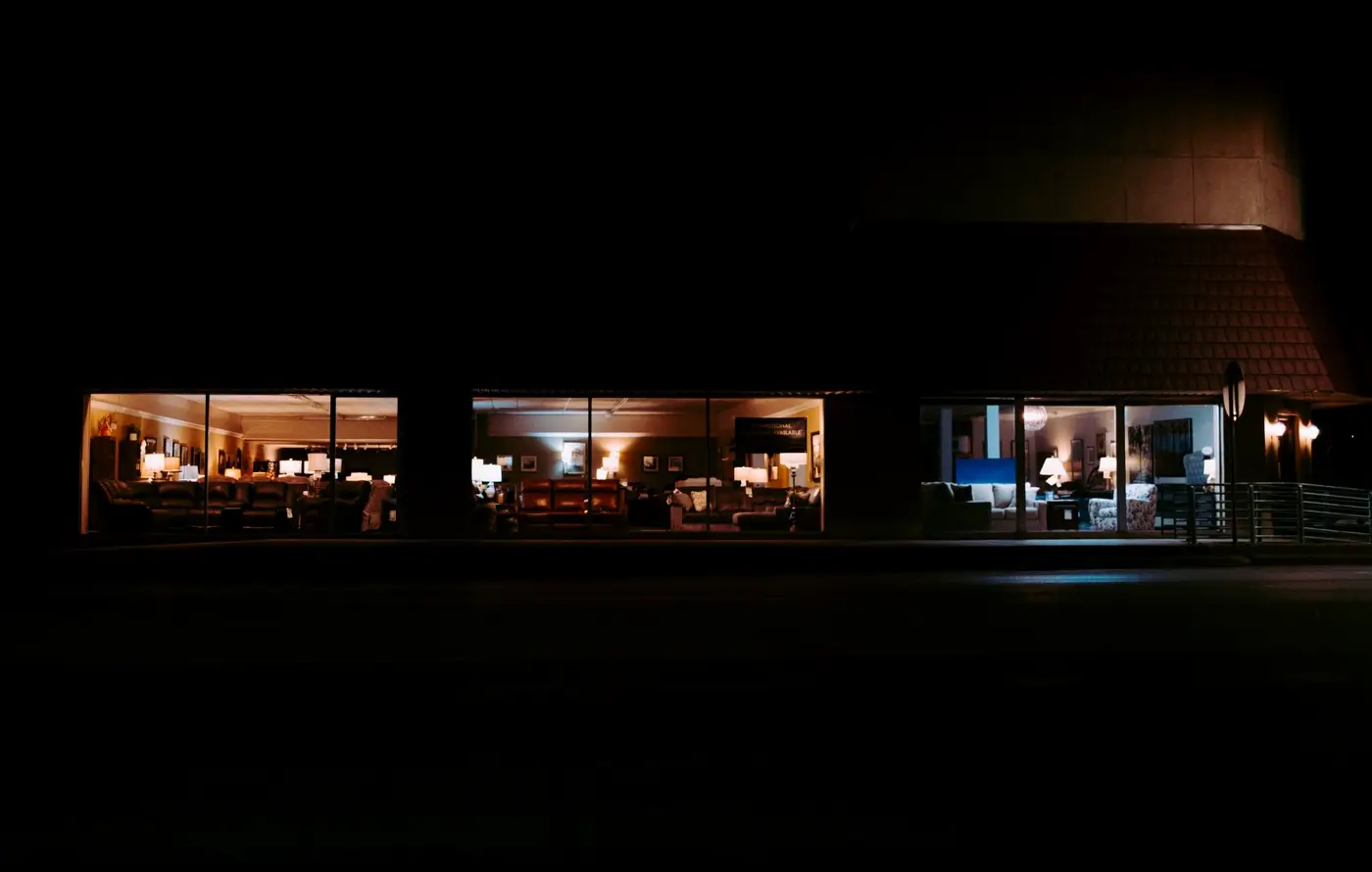
It is even clearer in the evening. The street is quiet, the shop is dark, the screen stays on until 10 pm. There are never so many people with time to read your window, and never so few ways to reach you.

02

Digital signage in the window shows, it does not talk

A digital signage display in the window is an excellent sign. It changes content on its own, it catches the eye from a distance, it replaces the posters you used to print every week. But it only talks one way.

The QR code opens the other way. The passer-by scans it with their phone camera, with no app and no account, and speaks to the assistant or types to it. Behind glass, the screen cannot hear the street, so the voice goes through the passer-by's phone. The assistant answers in the visitor's language, with the information you have given it. Your screen keeps its role and gains a way in.

03

Adding the QR code to what your screen already shows

Kiosky does not replace your signage software and does not control your screen. You place the QR code in your slides yourself, as you would a logo. A few practical rules matter more than anything else.

  • One QR code per listing or per model: each slide carries the code for the page it presents
  • Large enough to be scanned from the pavement, through the glass
  • On screen long enough for people to get their phone out
  • A short line next to it, such as "Got a question? Scan for an instant answer"
  • A high-contrast background, with no reflection of the glass on the code
04

What the assistant needs to know about each slide

For the answer to be useful, every slide on rotation needs its page behind it. An estate agent adds the price, floor area, service charge, EPC rating and area. A kitchen showroom adds the starting price of the display model and the fitting time. A car dealer adds the mileage and the warranty. You send these pages as a link or a file, Kiosky loads them in one day.

Add your opening hours, your contact details and how a first appointment works. When a visitor wants a viewing or a quote, they leave their name and phone number or email, and you receive these requests each morning.

05

Touch screen window display, or no screen at all

A touch screen in a shop window has one simple problem: you cannot touch through glass. The passer-by cannot use it from the pavement. That is why Kiosky works through their phone, and the interactive kiosk page explains that choice.

If you have no screen, a poster with the QR code works. For a window that stays visible at night, the MacLocks BrandMe backlit window kiosk carries your branding and holds a tablet in an anti-theft enclosure: €1,590 excl. VAT for the first year, licence included. The MacLocks Swing wall mount puts the tablet right up against the glass on an articulated arm: €1,490 excl. VAT. The tablet is not supplied.

06

The limits to know about

The assistant only knows your pages. If a listing comes off the screen but stays in Kiosky, it will keep talking about it: update it from your phone. It does not replace the viewing or the appointment in store. And a QR code that is too small or lost in a reflection simply will not get scanned, which you can sort out by testing it yourself from the pavement.

Think about the sun too. A south-facing window can make the screen unreadable in the afternoon, while a printed poster stays legible.

FAQ

What people ask us

My window display screen runs on signage software. Is that a problem?

No. Kiosky does not plug into your software. You add the QR code to your slides as an image, and your screen carries on working as before.

How much is Kiosky if I already have a screen?

Just the licence: €1,190 excl. VAT a year per window, i.e. €99 a month, with no commitment beyond the year. No hardware is required.

Do people really scan a QR code through a window?

A QR code of a good size, with strong contrast and no reflection, scans through glass. Test it from the pavement before you sign off your slides, by day and by night.

What happens when the assistant does not know the answer?

It does not make one up. It tells the visitor so and passes the question on to you, along with the morning's requests.

Shall we talk?

Leave a message: Ludovic answers personally within one business day.